Table of Contents
Artificial intelligence (AI) tools are changing the way people work in 2026. Many businesses, freelancers, students, and content creators now use AI tools to save time and complete daily tasks faster. These tools can help with writing, emails, project management, research, design, scheduling, and workflow automation.
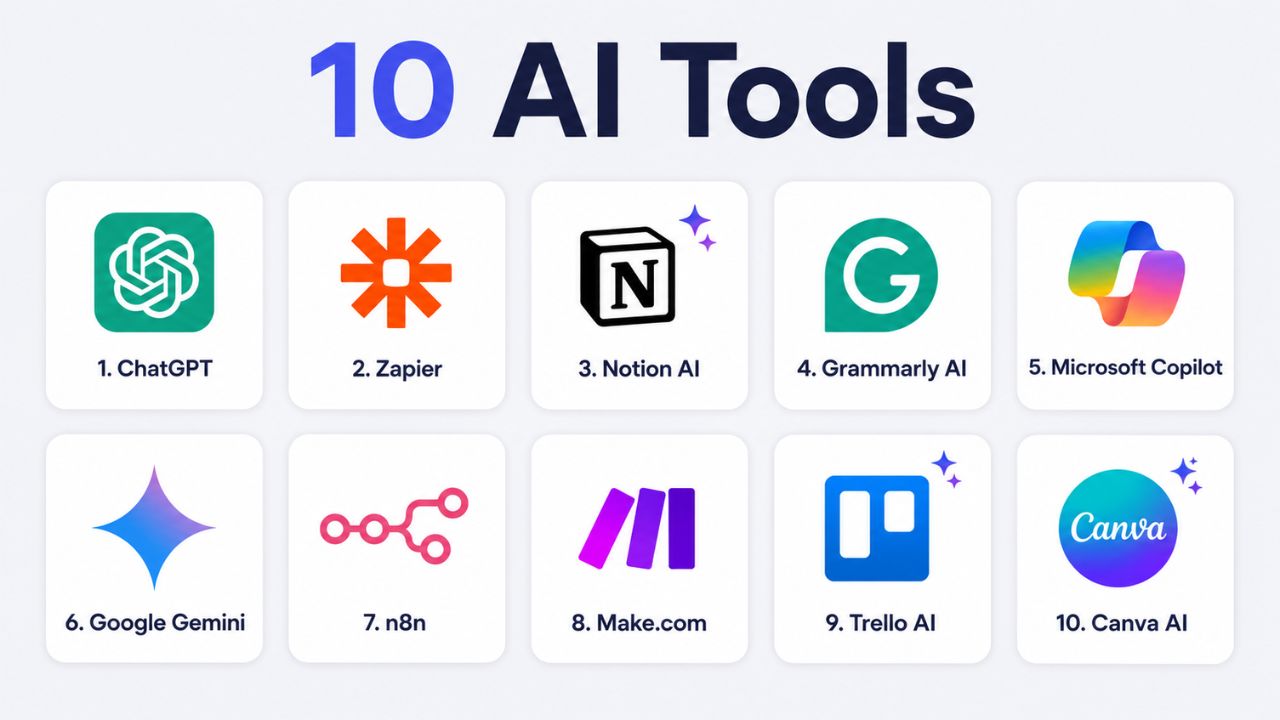
We will explore 10 powerful AI tools that can automate your daily workflow, improve efficiency, and help you work smarter in 2026.
What Are AI Workflow Tools?
AI workflow tools are apps that do tasks for you using artificial intelligence. Some write text. Some connect your apps. Some check your grammar or manage your projects.
You do not need any coding skills to use most of them. You just set them up, and they run on their own. They handle the small, boring jobs so you can focus on work that requires your full attention.
Why AI Automation Is Important in 2026
AI automation is very important in 2026 because it helps people work faster and save time. Many businesses, freelancers, and students now use AI tools in their daily work. These tools can do repetitive tasks automatically, so users can focus on more important work.
More businesses are using AI (artificial intelligence) tools this year than ever before. If you are still doing everything manually, your competitors who use AI will simply get more done in less time. These tools are no longer just for big companies. Anyone can use them — and benefit from them right away.
Benefits of Using AI Tools Every Day
Here is what you get when you start using AI tools daily:
- You finish tasks faster
- You make fewer small mistakes
- Your work stays at a steady level of quality
- You do not need to hire extra help for basic tasks
- You have more time and energy for important work
Now, here are the 10 tools worth knowing about.
1. ChatGPT
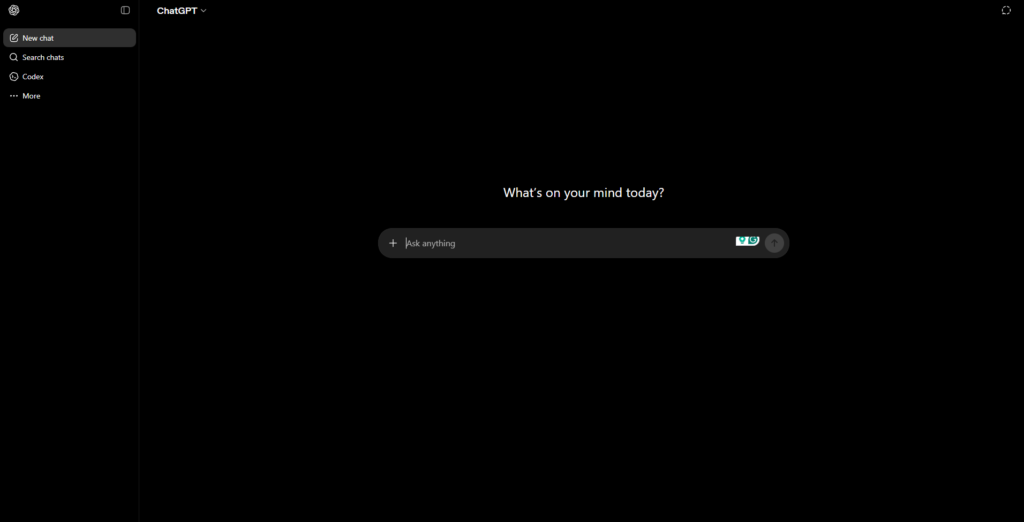
OpenAI makes ChatGPT. It is one of the most widely used AI tools in the world. In 2026, the latest version of GPT-5.5 is faster and smarter than before. It also has a memory feature that remembers details about you across chats.
Features of ChatGPT
- Writes emails, articles, social posts, and reports
- Answers questions on almost any topic
- Helps you fix or write code
- Remembers your job, name, and preferences
- Works on web, mobile, and through an API
You can use ChatGPT to write a first draft, reply to a hard email, or plan out a project. It is the easiest tool to start with if you are new to AI.
2. Zapier
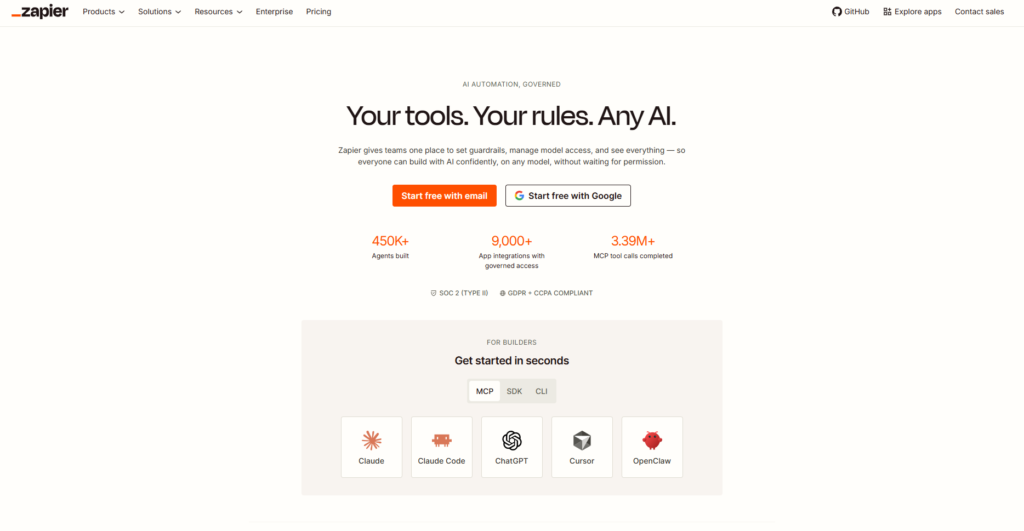
Zapier connects your apps so they work together on their own. In 2026, it supports over 7,000 apps — more than any other tool like it.
How Zapier Automates Daily Tasks
Say someone fills out a contact form on your website. Zapier can save their info to a spreadsheet, send them a welcome email, and add a task to your to-do list — all at the same time, without you doing a single thing.
You build these automations by choosing a trigger (what starts it) and an action (what happens next). It takes a few minutes to set up and runs on its own after that. No coding needed.
3. Notion AI
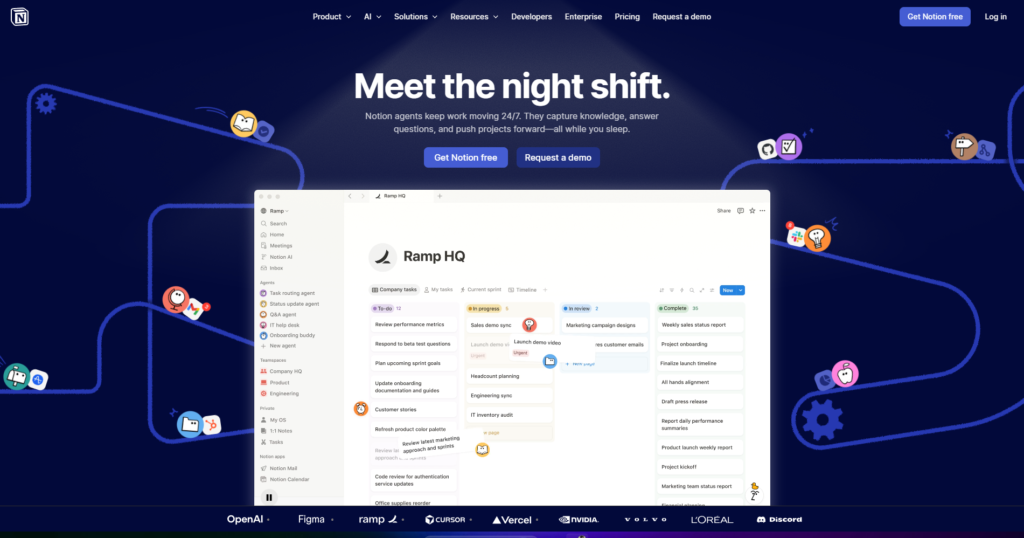
Notion is an app for writing notes and managing work. Notion AI sits inside it, so you do not need a second tool.
Smart Notes and Task Management
You can ask Notion AI to turn a messy set of notes into a clean summary. You can paste in a big block of text and ask it to pull out the key points. It can also write content, make to-do lists, and translate text.
In 2026, Notion AI added auto-tagging and related-page suggestions. This makes it easy to find old notes and connect ideas you wrote weeks apart.
4. Grammarly AI
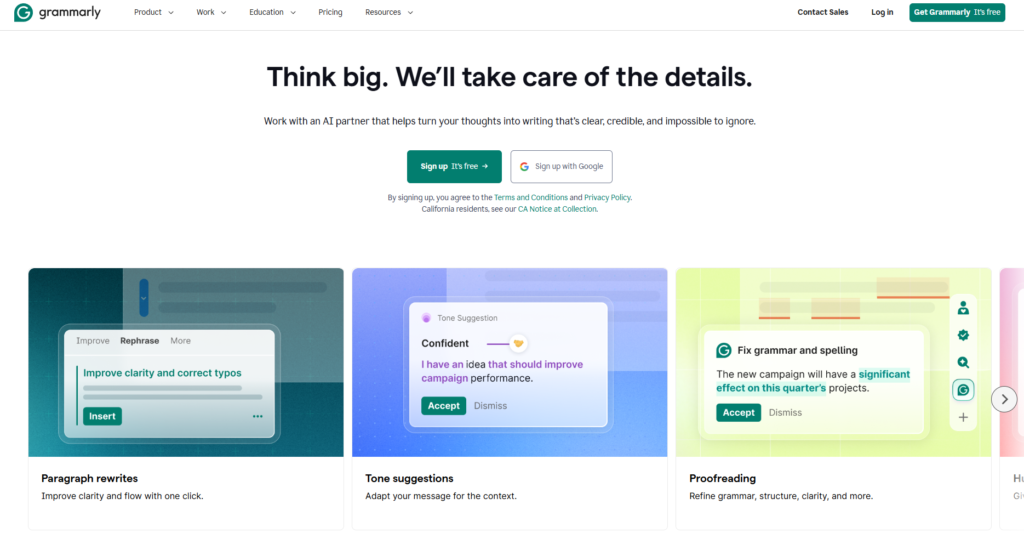
Grammarly checks your writing as you type. It started as a spell checker, but now it does a lot more.
Features of Grammarly AI
- Fixes grammar and spelling in real time
- Tells you if your writing sounds too formal or too casual
- Rewrites weak or unclear sentences
- Works in Gmail, Google Docs, Slack, and LinkedIn
- The GrammarlyGO feature can write full email replies for you
If you write emails or documents every day, Grammarly saves you from rereading everything three times before you send it.
5. Microsoft Copilot
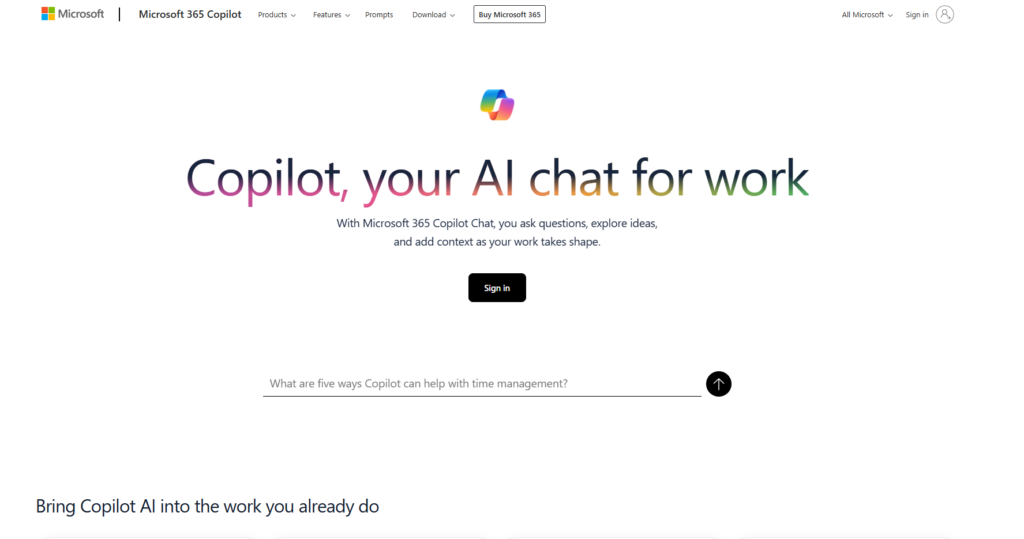
Microsoft Copilot is built into the Microsoft 365 tools many people already use — Word, Excel, PowerPoint, Outlook, and Teams.
How Microsoft Copilot Helps Teams
In Word, you describe what you need, and it writes the document. In Excel, you ask a question about your data, and it gives you the answer in plain words. In PowerPoint, it builds slides from your notes. In Teams, it listens to your meeting and sends you a summary when it ends.
In 2026, Microsoft added Copilot Agents. These are small AI helpers you can set up to run specific tasks on their own — daily, weekly, or whenever a trigger happens.
6. Google Gemini
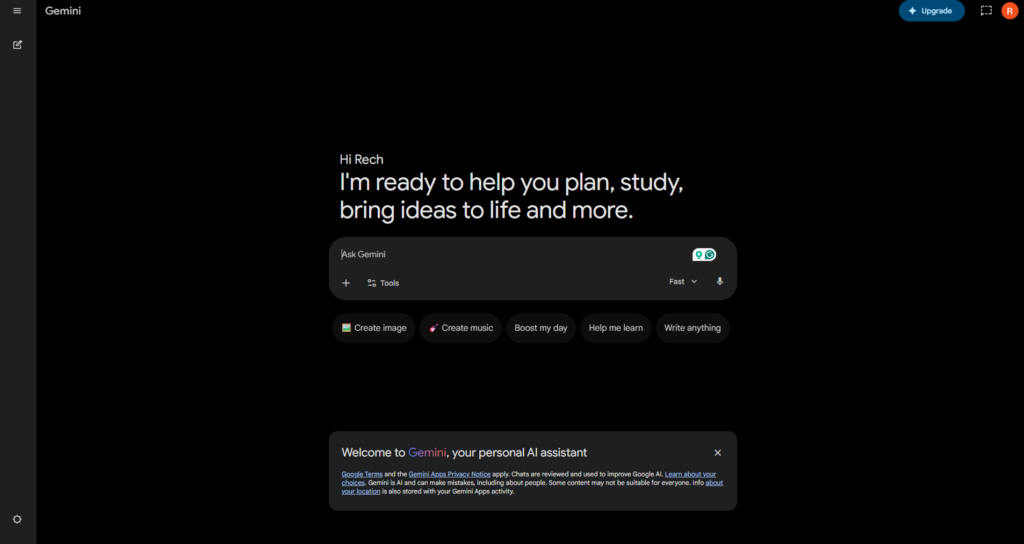
Google Gemini is Google’s AI tool. It works inside Gmail, Google Docs, Google Sheets, and Google Drive. If your team uses Google Workspace, Gemini is already there waiting for you.
Features of Google Gemini
- Writes and replies to emails in Gmail
- Summarizes long documents in Google Docs
- Builds spreadsheet formulas in Sheets
- Finds files in your Drive using plain-language search
- Accepts voice input so you can speak instead of typing
Google released Gemini 2.0 in early 2026. It is faster and handles more complex tasks than older versions.
7. n8n
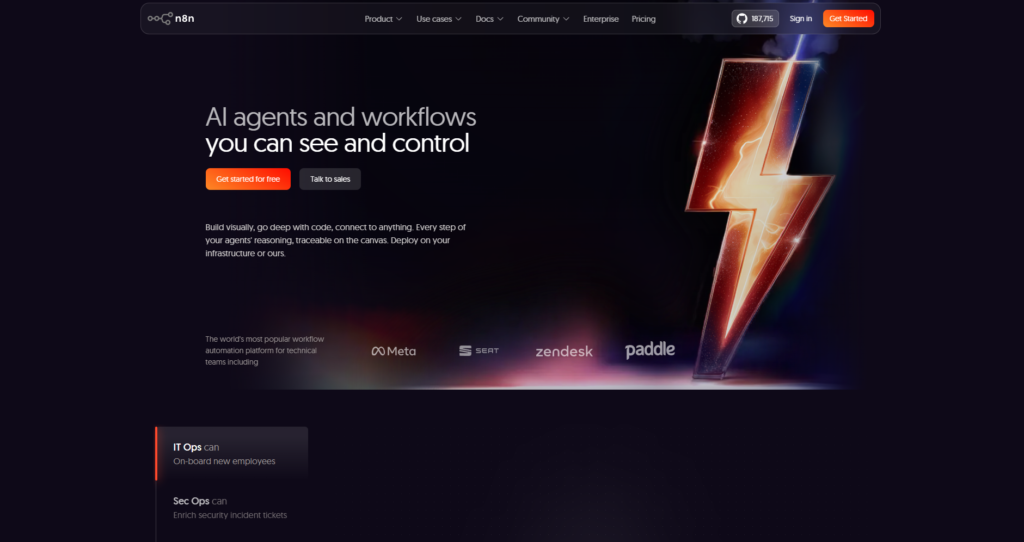
n8n is an open-source automation tool. It works like Zapier, but it is free, and you can keep all your data on your own computer or server.
Open-Source Automation Features
- Connects hundreds of apps
- Let’s you add your own code when you need something custom
- Stores your data privately — nothing goes to a third-party server
- Comes with ready-made templates you can use right away
n8n is a good fit if you have some tech experience and want full control over your automations without paying a monthly fee.
8. Make.com
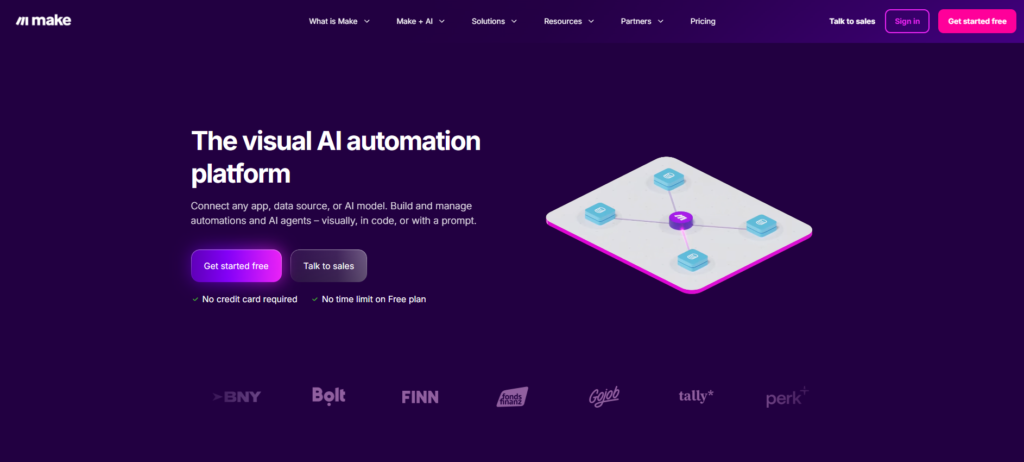
Make.com is a tool for building automations using a visual, drag-and-drop screen. You connect steps like puzzle pieces to create a workflow.
Features of Make.com
- Works with over 1,500 apps as of 2026
- Handles multi-step tasks with conditions and filters
- Shows a clear log of what happened in each run
- Let’s you say “only do this if X is true” to control exactly when tasks run
Make.com works well for online store owners, marketing teams, and agencies that deal with lots of data and need detailed, step-by-step automations.
9. Trello AI
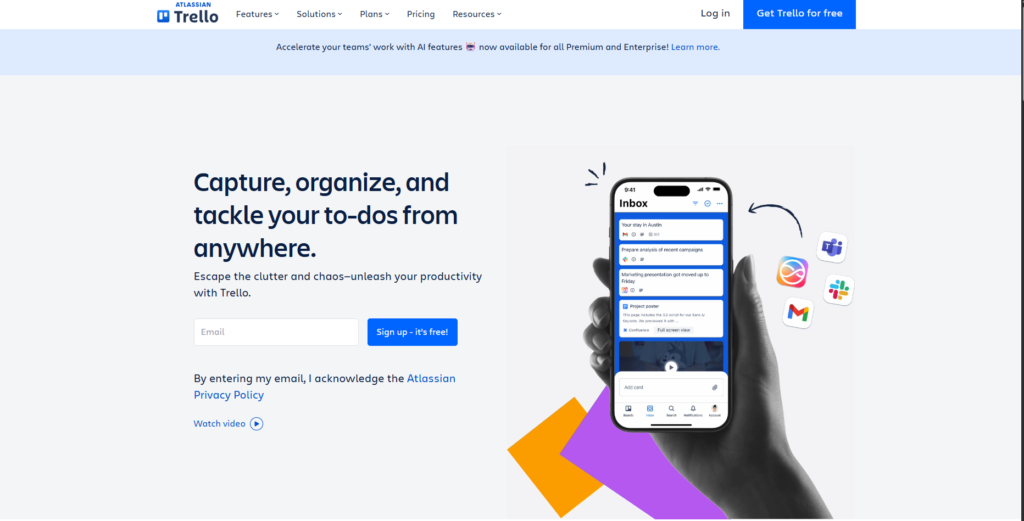
Trello is a project management tool that uses boards and cards to show you what needs to be done. Its AI features help you plan and stay on track.
Smart Project Management
You can type in a project description, and Trello AI will create a task list for you. It suggests due dates based on your past work. It also flags tasks that are overdue or stuck.
In 2026, Trello AI learns how your team works over time. The more you use it, the better its suggestions get.
10. Canva AI
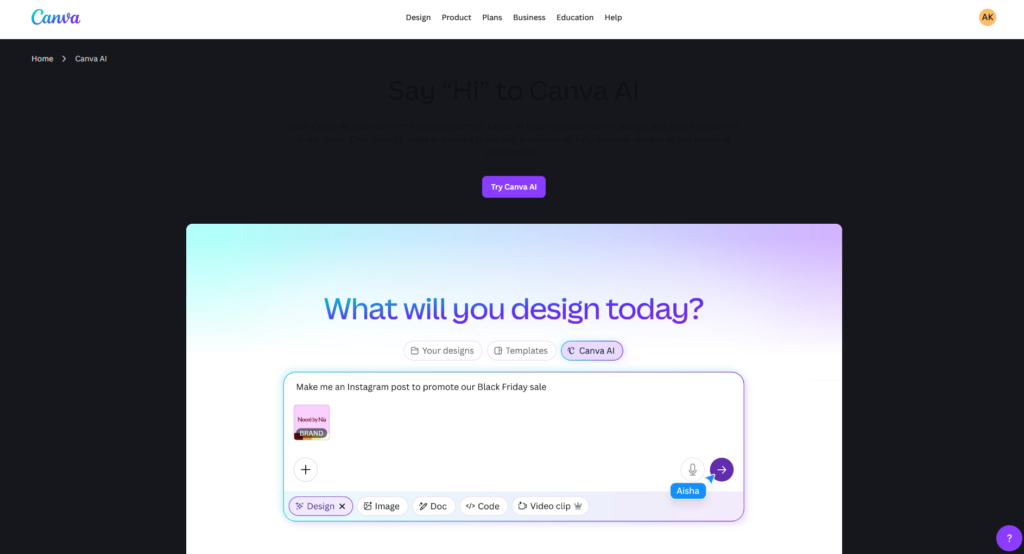
Canva lets you create designs — social media images, presentations, posters, flyers — without any design training. Its AI tools make this even quicker.
Canva AI Features
- Magic Write — writes headings, captions, or body text for your design
- Text to Image — turns a text description into a custom image
- Background Remover — removes the background from a photo in one click
- Magic Design — creates a full design layout from a short prompt
- AI Video Editing — a 2026 addition that helps you create short videos without editing skills
Canva AI is a top pick for anyone who needs to make content often but does not have design experience.
How to Choose the Right AI Tool
Do not overthink this. Here is a quick way to decide:
What takes the most time in your day? If it is writing, start with ChatGPT or Grammarly. If it is switching between apps, try Zapier or Make.com. If it is making graphics, try Canva AI.
How comfortable are you with tech? If you are not very technical, go with Grammarly, ChatGPT, or Zapier — all are easy to learn. If you have more tech experience, n8n gives you more control.
Try before you pay. Every tool on this list has a free version or trial. Use it for a week and see if it actually saves you time.
Pick one tool first. Learn it well. Trying to use five new tools at once usually means you end up using none of them well.
Future of AI Workflow Automation
They can now take a series of steps on their own — booking a meeting, sending a follow-up, updating a record — without you asking each time. This is called agentic AI, and it is already showing up in tools like Microsoft Copilot and Zapier.
You will set a goal, and the AI will figure out the steps to reach it. The people using these tools today will be far ahead of those who wait.
Final Thoughts
You do not have to change everything at once. Just pick the one task that eats up the most time in your day and find the tool on this list that handles it.
Most of these tools are free to start. Even saving one hour a day gives you back around 250 hours a year. That is time you can put into your business, your family, or work you actually enjoy.
AI tools are not here to take your job. They are here to do the dull, repetitive parts of it — so you can spend your time on the work that actually needs you.